Choosing inventory software can feel overwhelming. The market is full of tools built for large warehouses with complex needs. But most small businesses need something simpler. Here is how to evaluate what works for you.
Start with your actual workflow
Before comparing features, write down how you work today. How do you add products? How do you track what comes in and goes out? What do you need to see at a glance? The right tool fits your workflow, not the other way around.
Look for simplicity over features
A tool with 200 features you never use is harder to manage than one with 10 features you use every day. The best inventory software for a small business is one your team will actually use consistently.
Must-haves for small businesses
- A clear product list with quantities, prices, and locations
- Stock movement tracking so you can see what changed and when
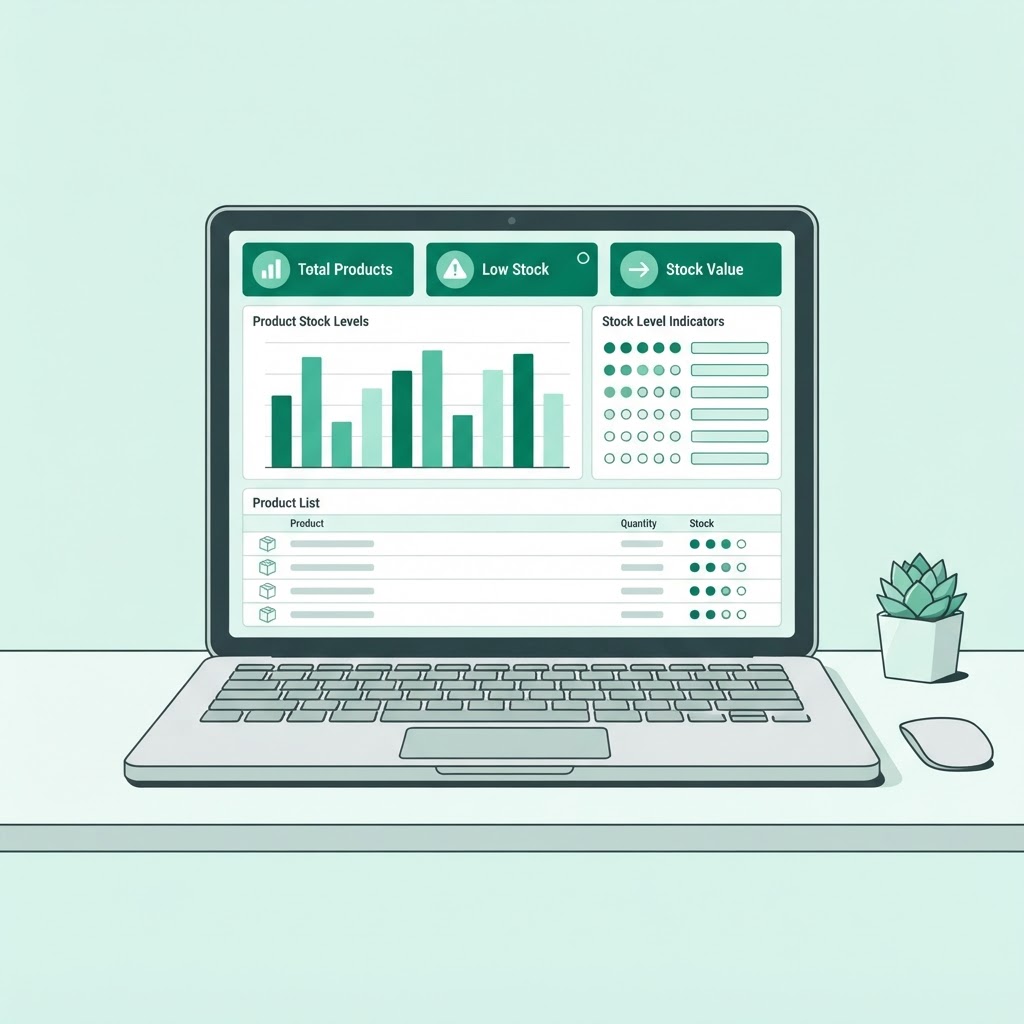
- A simple overview of inventory value and popular items
- Mobile access so you can check stock from anywhere
- Reports that help you make decisions, not just pretty charts
What to skip
You probably do not need barcode scanning, multi-warehouse routing, or ERP integration on day one. These features add complexity and cost. You can always upgrade later if you outgrow a simpler tool.
Try before you commit
Most good tools offer a free plan or trial. Use it for a week with your real products. If it feels natural and saves you time, it is the right one. If it feels like extra work, keep looking.
NEAinventory is built for small businesses that want clarity without complexity. Try it free with your own products.